Stack
Examples#
Text over an image#

Avatar with online status#

Absolute positioning#
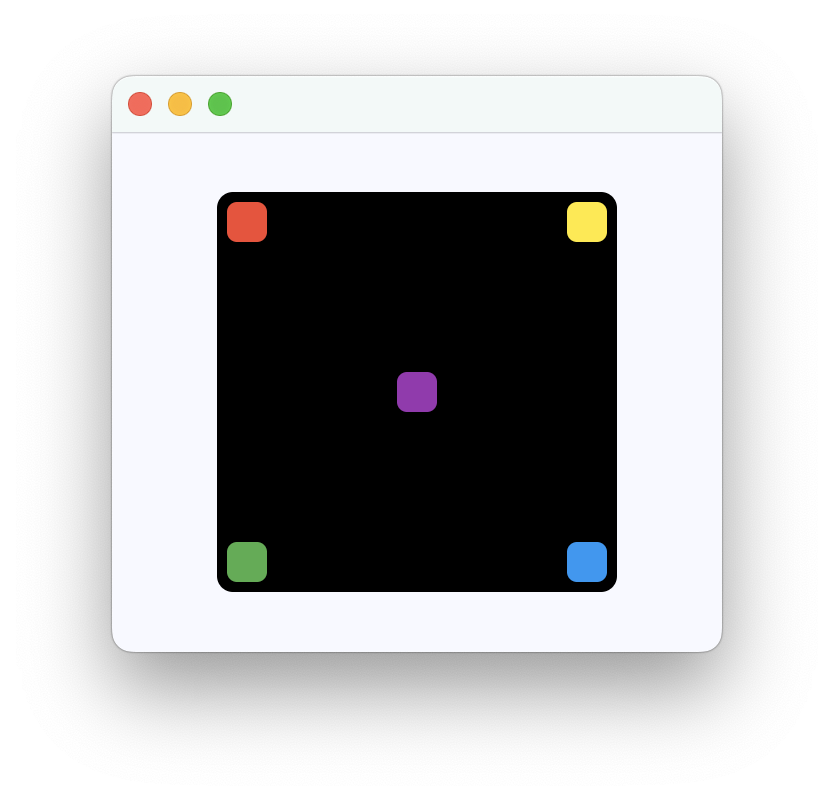
Bases: LayoutControl, AdaptiveControl
Positions its children on top of each other, following a LIFO (Last In First Out) order.
This control is useful if you want to overlap several children in a simple way. For example having some text and an image, overlaid with a gradient and a button attached to the bottom.
Stack is also useful if you want to implement implicit animations (https://flet.dev/docs/guides/python/animations/) that require knowing absolute position of a target value.
clip_behavior: ClipBehavior = HARD_EDGE
The content will be clipped (or not) according to this option.
A list of Controls to display.
For the display order, it follows the order of the list, so the last control in the list will be displayed on top (LIFO - Last In First Out).