ShaderMask
Examples#
Pink glow around image edges#
import flet as ft


def main(page: ft.Page):
    page.add(
        ft.Row(
            controls=[
                ft.Image(
                    src="https://picsum.photos/300/300?1",
                    width=300,
                    height=300,
                    fit=ft.BoxFit.FILL,
                ),
                ft.ShaderMask(
                    blend_mode=ft.BlendMode.MULTIPLY,
                    shader=ft.RadialGradient(
                        center=ft.Alignment.CENTER,
                        radius=0.5,
                        colors=[ft.Colors.WHITE, ft.Colors.PINK],
                        tile_mode=ft.GradientTileMode.CLAMP,
                    ),
                    content=ft.Image(
                        src="https://picsum.photos/300/300?1",
                        width=300,
                        height=300,
                        fit=ft.BoxFit.FILL,
                    ),
                ),
            ]
        )
    )


ft.run(main)
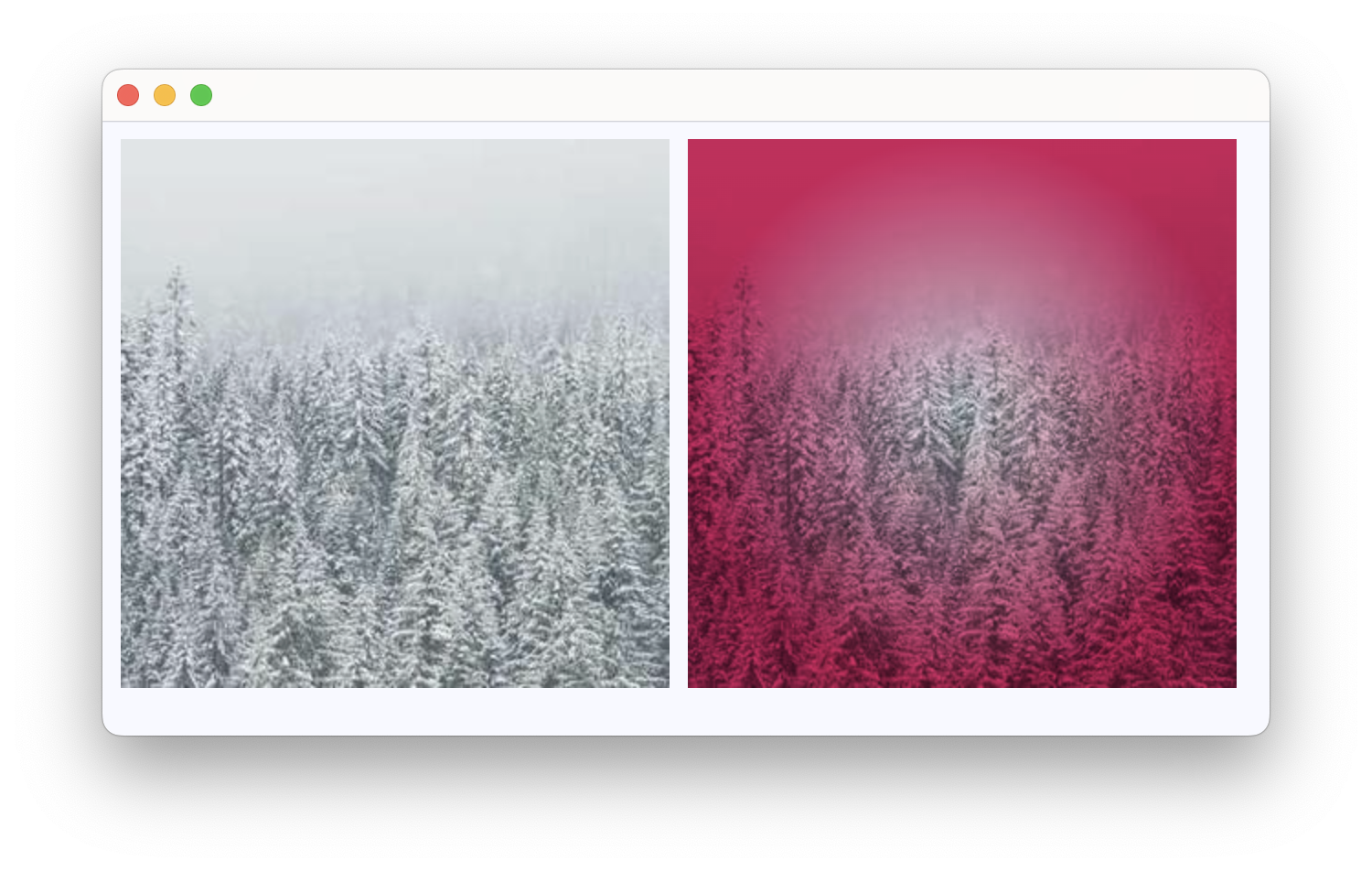
Fade out bottom edge of an image#
import flet as ft


def main(page: ft.Page):
    page.add(
        ft.Row(
            controls=[
                ft.ShaderMask(
                    content=ft.Image(src="https://picsum.photos/200/200?2"),
                    blend_mode=ft.BlendMode.DST_IN,
                    border_radius=10,
                    shader=ft.LinearGradient(
                        begin=ft.Alignment.TOP_CENTER,
                        end=ft.Alignment.BOTTOM_CENTER,
                        colors=[ft.Colors.BLACK, ft.Colors.TRANSPARENT],
                        stops=[0.5, 1.0],
                    ),
                ),
            ]
        )
    )


ft.run(main)
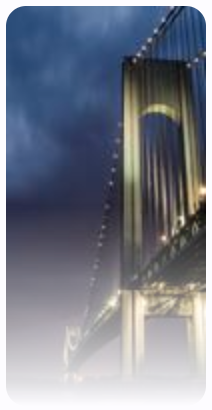
Applying linear and radial gradients/shaders#
import flet as ft


def main(page: ft.Page):
    page.add(
        ft.Row(
            controls=[
                ft.ShaderMask(
                    blend_mode=ft.BlendMode.COLOR_BURN,
                    shader=ft.RadialGradient(
                        center=ft.Alignment.TOP_LEFT,
                        radius=1.0,
                        colors=[ft.Colors.YELLOW, ft.Colors.DEEP_ORANGE_900],
                        tile_mode=ft.GradientTileMode.CLAMP,
                    ),
                    content=ft.Image(
                        src="https://picsum.photos/200/300?1",
                        width=400,
                        height=400,
                        fit=ft.BoxFit.FILL,
                    ),
                ),
                ft.ShaderMask(
                    blend_mode=ft.BlendMode.DST_IN,
                    shader=ft.LinearGradient(
                        begin=ft.Alignment.TOP_CENTER,
                        end=ft.Alignment.BOTTOM_CENTER,
                        colors=[ft.Colors.BLACK, ft.Colors.TRANSPARENT],
                        stops=[0.5, 1.0],
                    ),
                    content=ft.Image(src="https://picsum.photos/200/300?2"),
                ),
            ]
        )
    )


ft.run(main)
Bases: LayoutControl
Applies a mask generated by a shader to its content.
For example, it can be used to gradually fade out the edge of a control by
using a LinearGradient mask.